
Fortunica casino mobile app – download, features and browser play
If you have been hunting for a Fortunica app to install on your phone, this page will save you the search. There is no confirmed native app for this brand — what exists is a mobile site — and before you get any further, UK readers need to know the operator’s own terms restrict customers from the United Kingdom.
Does Fortunica have a mobile app?
No native Fortunica app is confirmed for iOS or Android. There is no verified App Store listing and no verified Android package published by the operator, so anything advertising itself as an official Fortunica app should be treated with suspicion. Mobile play happens entirely in your phone’s browser.
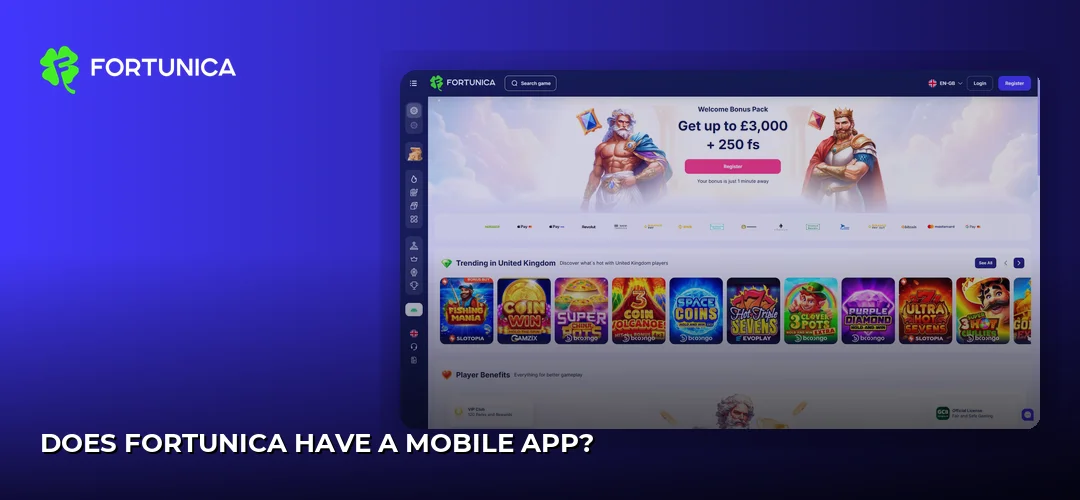
That is not unusual for a young offshore brand. Fortunica launched in 2025 under Winstar N.V. (Curacao registration 168709) and runs on a reported Anjouan Offshore Financial Authority licence ALSI-202501022-F11, with a reported Curacao Gaming Authority secondary licence OGL/2024/611/0233. It holds no UK Gambling Commission licence, and its terms and conditions explicitly list the United Kingdom among restricted countries.
What you get on a phone instead:
- The same account, balance and game library as the desktop site
- The cashier, bonus section and account settings in one responsive layout
- A home-screen shortcut you can add yourself, which behaves like an app icon
- No storage taken up by an install, and no manual updates to chase
How do you download the Fortunica casino app?
You cannot, and that is the honest answer. There is no Fortunica casino app download — no APK file from the website, no App Store or Google Play install. Any site offering a “Fortunica APK” is not distributing operator software, and installing an unknown package from a random page is how phones pick up malware.
The practical substitute takes about fifteen seconds:
- Open the Fortunica site in your mobile browser.
- Tap the browser menu — the share icon on Safari, the three-dot menu on Chrome.
- Choose Add to Home Screen.
- Name the shortcut and confirm.
The icon then sits on your home screen next to your real apps and opens the casino in a stripped-back browser window with no address bar. Functionally it is close to an app; technically nothing was installed.
What do you need to run Fortunica on your phone?
Because nothing is installed, the requirements are modest: a phone with a current browser and a working data or Wi-Fi connection. No free storage space is needed for an install, no RAM threshold applies, and there are no version numbers to check before you start.
Two things do matter in practice. Live dealer tables lean on a steady connection more than slots do, so patchy signal shows up there first. And browser data — cookies and site storage — needs to be enabled, otherwise your session drops every time you switch tabs.
How does Fortunica work in a mobile browser?
The mobile site is the whole product here. It loads in Safari on iPhone and iPad, Chrome and Firefox on Android, and any other modern mobile browser, with the layout re-flowing to a single column: a hamburger menu for categories, a search field for finding titles, and the cashier reachable from the account area.
Navigation on a small screen is built around scrolling rather than hovering. Game tiles stack in a grid, filters collapse into dropdowns, and slots run in portrait or landscape depending on the title. Live tables generally want landscape, since the bet layout needs the width.
A few habits make the browser experience smoother:
- Use the home-screen shortcut rather than digging through tabs
- Keep one tab open per session — several tabs on the same account can log you out
- Turn off battery-saver mode before a live dealer session, as it throttles video
Why do Flickr pages and a psychics app show up in Fortunica searches?
Search “Fortunica app” and the results are a mess of unrelated products. The name is shared with a psychic-reading app, which is why queries mixing Fortunica with psychics keep surfacing — that product has nothing to do with this casino brand.
Flickr results are the same story. Fortunica pages on Flickr are photo-hosting pages, not a distribution channel, and no casino software is served from them. If you land on a Flickr or app-store page while looking for the casino, you are in the wrong place; the casino exists only as a website.
What can you do on the Fortunica mobile site?
Everything the desktop version offers. The mobile browser build is not a cut-down version with half the games missing — the library, the cashier and account tools all carry across.
On the games side, the catalogue on a phone includes titles from Novomatic, Playson, Evoplay, Booongo (BNG), Gamzix, Ela Games, Hacksaw Gaming, Slotopia, Swintt and Pragmatic Play. Most modern slots from these studios are built HTML5-first, so they behave the same on a touchscreen as on a desktop.
The cashier works from the phone too, covering Visa and Mastercard alongside Skrill, Neteller, ecoPayz, bank transfer and nine listed cryptocurrencies. The minimum deposit is EUR 10. Full detail on limits, fees and payout timing lives here: Fortunica payment methods.
KYC is the one part that is fiddlier on a phone, and it is unavoidable before a withdrawal: a government-issued photo ID, a selfie holding that same ID, and a bank statement or utility bill dated within the last three months. The upload form accepts phone camera shots, which at least removes the need for a scanner.
Bonuses are claimed from the same promotions page you would see on desktop — the advertised welcome package is 290% up to EUR 6,000 + 200 free spins, with 40x wagering on cash bonuses and 30x on free spin winnings, max bet EUR 5 during wagering, balances expiring 5 days after credit, max conversion 5x the reward value and free spin winnings capped at EUR 100. No code is required. The full breakdown sits here: Fortunica bonuses and promotions.
How do you log in or register on your phone?
Registration and login both run through the same forms as desktop, opened from the top-right account icon. There is no biometric login, because biometric sign-in is an app feature and no app exists — your phone’s own password manager can autofill the credentials instead. Step-by-step guidance: Fortunica sign-up process.
How well does Fortunica run on a phone?
Slots load and play smoothly on a reasonable connection, which is what you would expect from HTML5 games designed for touch. Buttons are sized for thumbs, spin controls sit within reach at the bottom of the screen, and autoplay settings open in a panel rather than a cramped dropdown.
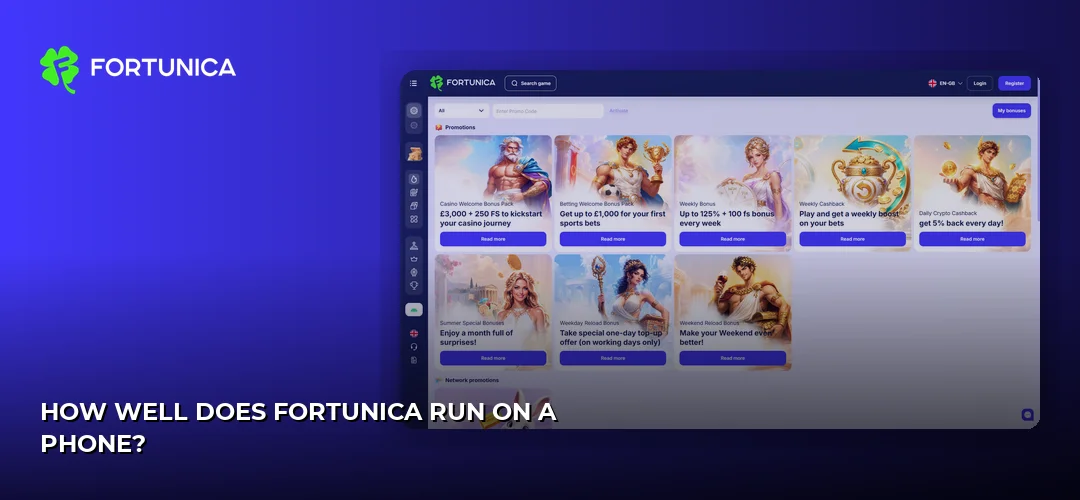
Browser play is heavier on battery and data than an installed app would be, since assets reload rather than sitting in local storage. Live dealer streams are the biggest drain on both counts. On mobile data, a long live session will eat noticeably more than a slots session of the same length.
What do Fortunica app reviews say?
There are no App Store or Google Play ratings to report, for the simple reason that there is no listing to rate. Any “Fortunica app review” scoring an install is reviewing something other than this casino — so the meaningful feedback is about the site itself.
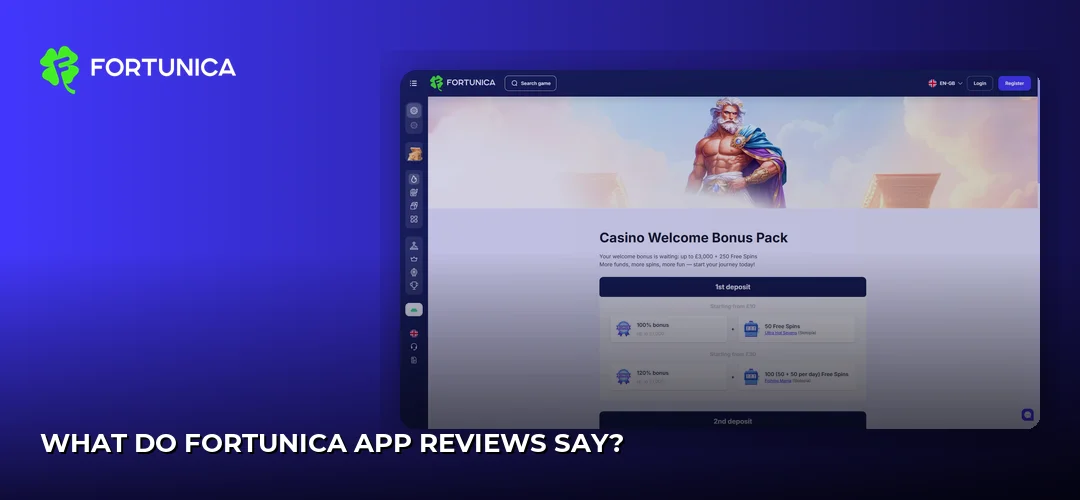
Casino Guru rates Fortunica 5.1/10 (“Below average”) and lists 26 complaints generating 576 black points, with denial of payouts the dominant theme. Player experiences reported to that database cluster around withdrawals rather than around how the games run on a phone.
The fair summary for UK readers: the mobile browser experience is competent, the platform behind it carries an offshore licence and a poor complaints record, and the operator’s terms exclude UK customers outright. Background on the brand as a whole: Home.
Frequently asked questions about Fortunica
Does Fortunica have a mobile app for United Kingdom?
No. There is no confirmed native Fortunica app for iOS or Android in any market, and the operator’s terms and conditions restrict customers from the United Kingdom. Fortunica holds no UK Gambling Commission licence, running instead on a reported Anjouan Offshore Financial Authority licence with a reported Curacao secondary licence.
How do I download the Fortunica casino app?
There is nothing to download. No APK is published by the operator and there is no App Store or Google Play listing. The closest equivalent is opening the site in Safari, Chrome or Firefox and choosing “Add to Home Screen”, which creates an app-style icon without installing any software on your phone.
Can I play Fortunica on mobile browser without app?
Yes — the browser is the only way to play. The site is responsive and re-flows into a single-column layout on phones, with a hamburger menu for game categories and the cashier inside the account area. Every game and account function available on desktop is reachable the same way on mobile.
Is the Fortunica app available for Android?
No Android app is confirmed, and no official APK exists. Files advertised online as a Fortunica APK do not come from the operator, and installing unverified packages puts your device at risk. Android users should stick to Chrome or Firefox and use a home-screen shortcut instead.
How do I log in to Fortunica casino app?
Login happens on the mobile site through the account icon at the top of the screen, using the email and password from registration. There is no biometric sign-in, since that requires an installed app. Your phone’s built-in password manager can autofill the details for a similar one-tap effect.
What games are available on Fortunica mobile app?
The mobile browser gives you the full library, not a reduced selection. Titles come from studios including Novomatic, Playson, Evoplay, Booongo (BNG), Gamzix, Ela Games, Hacksaw Gaming, Slotopia, Swintt and Pragmatic Play. Slots work well in portrait, while live dealer tables are easier to use in landscape.
Is the Fortunica app safe and secure?
Since no app exists, the real question is the site. Fortunica launched in 2025 under Winstar N.V. (Curacao registration 168709) with an offshore licence, no UKGC oversight, and a Casino Guru rating of 5.1/10 alongside 26 complaints and 576 black points, mostly about denied payouts. Weigh that carefully.
Can I claim bonuses through the Fortunica mobile app?
Bonuses are claimed on the mobile site exactly as on desktop. The advertised welcome offer is 290% up to EUR 6,000 + 200 free spins, with 40x wagering on cash bonuses and 30x on free spin winnings, a EUR 5 max bet while wagering and a EUR 10 minimum deposit. No bonus code is needed.
Now that you know there is no app to hunt for, you can check the mobile site for yourself and see whether it is available where you are.